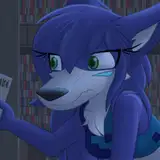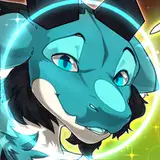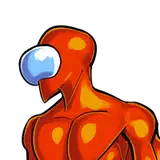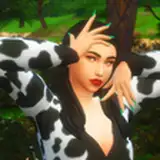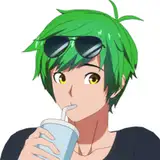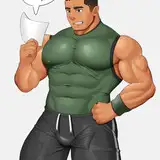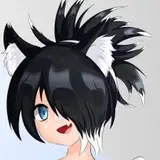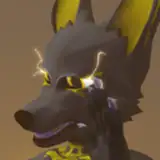
Please, try it in the VRChat world before buying it ! I don't want to disappoint peoples, you get what you see on the public avatar.
Public Discord: https://discord.gg/ZJfjkMg
A big thanks to all the early testers who helped a lot making that avatar working properly !
Public Clonable avatars: https://vrchat.com/home/world/wrld_a4db8b13-d0b3-4653-abcd-6345a876cec6
Currently included:
Upon purchase, you are free to edit and use the files.
You are not allowed to:
You are allowed to make public avatar, but if you want a commission of this avatar from someone else, you'll have to purchase the avatar here before.
You are allowed to do commission if both parties purchase the model.
Also, if you wanna get it into VRChat, you need to have some knowledge on how to upload avatars !
The Batdal 2.0 requires VRCFury to work properly. Follow the steps to include it in your project!
Current Batdal PC Version: 2.2.2
Current Batdal Quest Version: 2.1
Last time updated: 1st July 2025
The Batdal 2.0 require VRCFury, Adjerry Facetracking prefab and the latest versions of Unity VRChat uses including it's Avatar SDK.
Batdal 2.0 isn't compatible with older projects, and I REALLY recommend to make a new project without any others avatars installed. Support will not be given if you are mixing multiple avatars in the same project.
Required depencies:
Make sure to include them in your project before importing the Batdal Package:

Once you imported the Batdal package, you can go in Assets/Batdal and Drag&Drop the Prefab into your scene, you can also import the Quest prefab to build a Quest version (note: Quest version doesn't include clothing).

Older versions:
You can download all the substances files, they will require Substance Painter 10.0.1 or newer.


Previous avatar skins
Still in testing, you can use this blender file to paint in blender (Require UCUPaint addon, free).
Video example: https://www.youtube.com/watch?v=6sLh1wI41ds
Blender Files may require Blender 4.2.2 LTS or superior