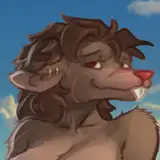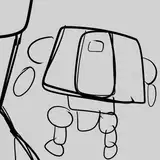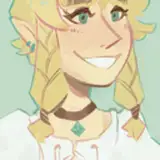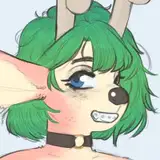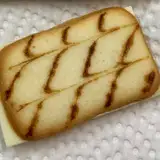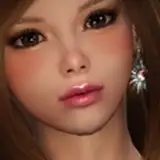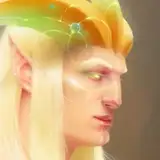
Let me drop some examples from using the Mega Flux exclusives.
My prompts were very simple, so I didn’t include them to avoid clutter.
Flux Depth uses the depth map of an image, letting you prompt for what to fill it with. It's great for keeping the spatial layout while restyling the image however you want.


Flux Canny uses an edge map and also lets you prompt freely. It’s especially good for repurposing parts of an image like the planet in the first example.


Self-explanatory. It’s great when you don’t want Depth or Canny getting distracted by other elements in the original image.


Pulid lets you use a face as a reference and prompt as usual. The result will keep a rough match of the reference face. It’s pretty solid without needing any training, though not perfect. As you can see, it struggled with Aloy’s hair.


Use the style of one image to influence another.


There’s also Blend Images, which combines two images into a new one (the dog reference image for Redux was made with this). Then there’s Face Swap and Face Restore.
If you want me to show those too, drop a comment. But for now, I’ll leave it at that and let the images speak for themselves. 🫡
Everything you just saw was done using the Mega Flux workflow.
It stacks Level 1 and 2, adds powerful tools, and comes with a full one-click installer.
If you want it, it’s available to Power Users who directly help me keep building all of this by supporting me. 🙏
Max
2025-08-21 20:51:55 +0000 UTCNadiaNovak
2025-08-21 09:23:46 +0000 UTCKishore Shopify
2025-07-27 19:36:34 +0000 UTC